
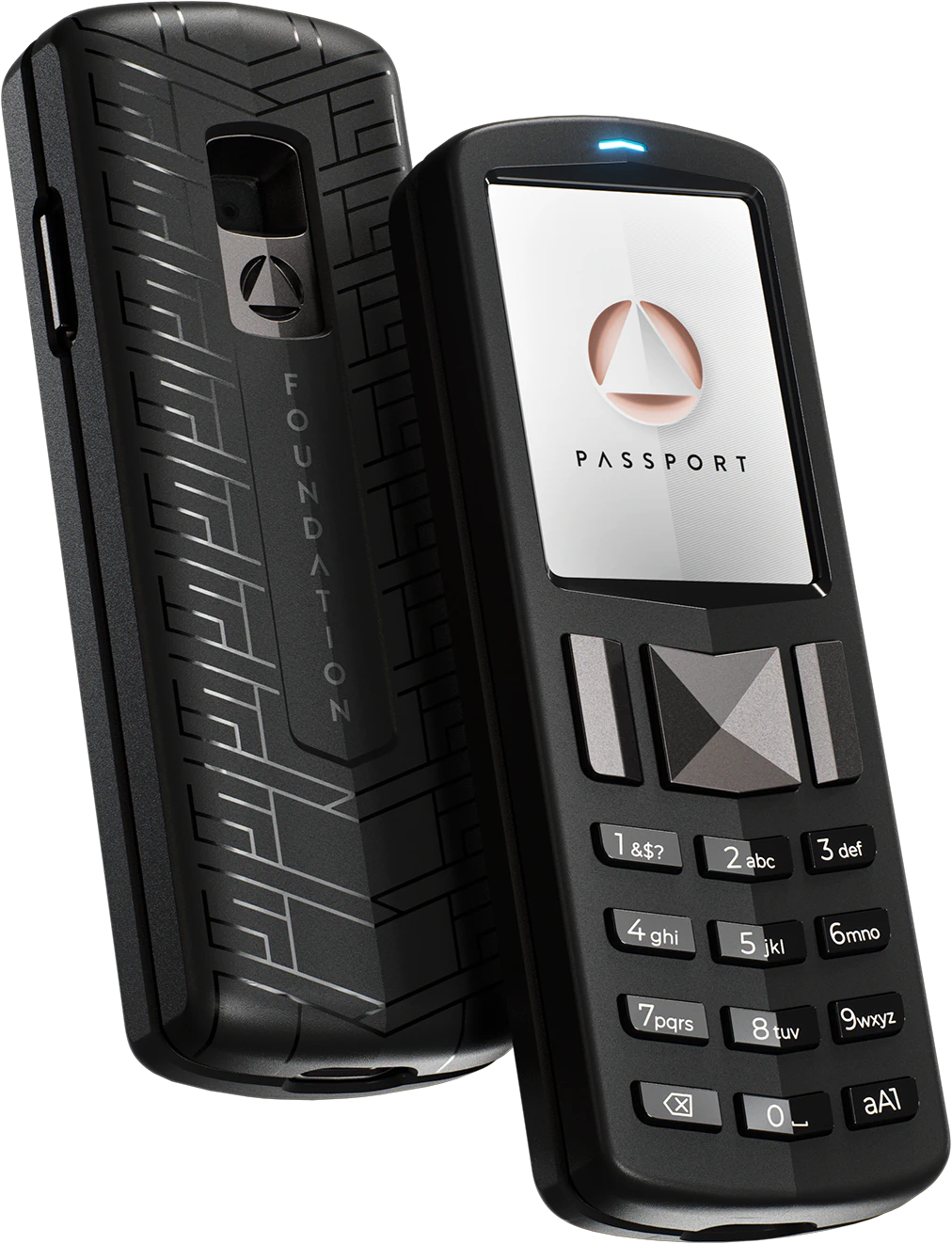
Both of these wallets got the first decision right: no altcoins. That's the baseline. Now let's figure out which one actually earns a spot securing your bitcoin.
I've spent time with both devices. I've set them up, signed transactions, tested the firmware. What follows is what I found.
The Bottom Line
Both are solid Bitcoin-only choices, but Foundation Passport edges out the competition with superior features and community trust.
How They Compare
The specs that matter for Bitcoin security.
| Feature | Bitkey | Foundation Passport |
|---|---|---|
| Price | $150 | $199 |
| Bitcoin-Only | Yes | Yes |
| Open-Source | No | Yes |
| Air-Gapped | No | Yes |
| Secure Element | Yes (details limited) | ATECC608A |
| Connection | NFC, Bluetooth | QR codes (air-gapped), MicroSD |
How They Handle Security
Security is the whole point. Everything else is secondary. Here's how these two handle it:
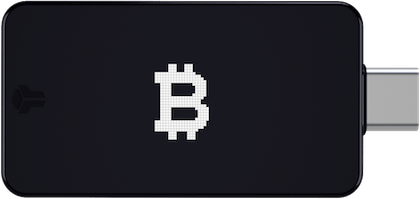
- Bitkey: 2-of-3 multisig with keys split between hardware device, mobile app, and Block server. Designed for recovery simplicity.
- Foundation Passport: Open-source with secure element. Premium build quality.
Foundation Passport is open-source. Bitkey uses proprietary firmware. I've said it before: "verifiable source" is not the same as open-source. One lets you audit. The other lets you look but not build. I trust the approach where the community has full access.
Foundation Passport supports air-gapped operation via QR codes. Your private keys never have to touch a networked device. Every USB cable, every Bluetooth connection is an attack surface you don't need.
Why Foundation Passport Wins
- Both are Bitcoin-only (good choice either way)
- Fully open-source and auditable
- Air-gapped operation for maximum security
- Beautiful design and build
Best for: Users who want premium build quality, Those who value air-gapped + open-source combination, Bitcoin-only maximalists with budget for premium device, Users who prefer physical controls over touchscreens.
What Holds Bitkey Back
Requires direct connection (potential attack vector). Relies on Block infrastructure. Less sovereignty than others.
My Take
The Passport is the premium choice and it knows it. The build quality justifies part of the $199 price tag. The open-source firmware and air-gapped capability put it in the same tier as the Jade Plus. But it's larger and heavier. If you want something that feels substantial and looks good on a desk, get the Passport. If portability matters, the Jade Plus does air-gapped better in a smaller package.
What You Pay
Bitkey is $49 cheaper at $150 versus Foundation Passport's $199. But cheaper doesn't always mean better.
Market Context
The hardware wallet market has matured. Bitkey and Foundation Passport represent two approaches to the same problem: keeping your bitcoin safe from everyone except you. The wallets that survive long-term will be the ones that take security seriously and respect the self-custody ethos.
Who Should Buy Which?
If you value a focused, Bitcoin-only approach, go with Foundation Passport. If a pure Bitcoin experience matters more, Bitkey is your pick. But for pure bitcoin security, I always lean toward the Bitcoin-only option.
Common Questions
Can I store other cryptocurrencies on these wallets?
No. Both are Bitcoin-only, which I consider a feature. Less code means fewer vulnerabilities.
Are Bitkey and Foundation Passport Bitcoin-only?
Yes, both are Bitcoin-only wallets with no altcoin support.
Which should I buy, Bitkey or Foundation Passport?
Foundation Passport. It's Bitcoin-only, which means cleaner code and a smaller attack surface.
Is Bitkey or Foundation Passport better for beginners?
Both are straightforward to set up. Foundation Passport is my overall recommendation. If you're new to hardware wallets, either one will work, but a Bitcoin-only wallet keeps things simpler.
Full Reviews
Compare Bitkey to:
Compare Foundation Passport to:
Was this helpful?