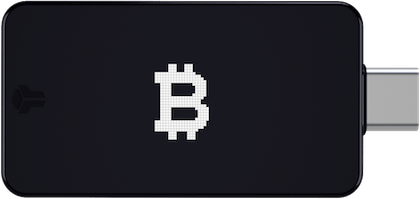
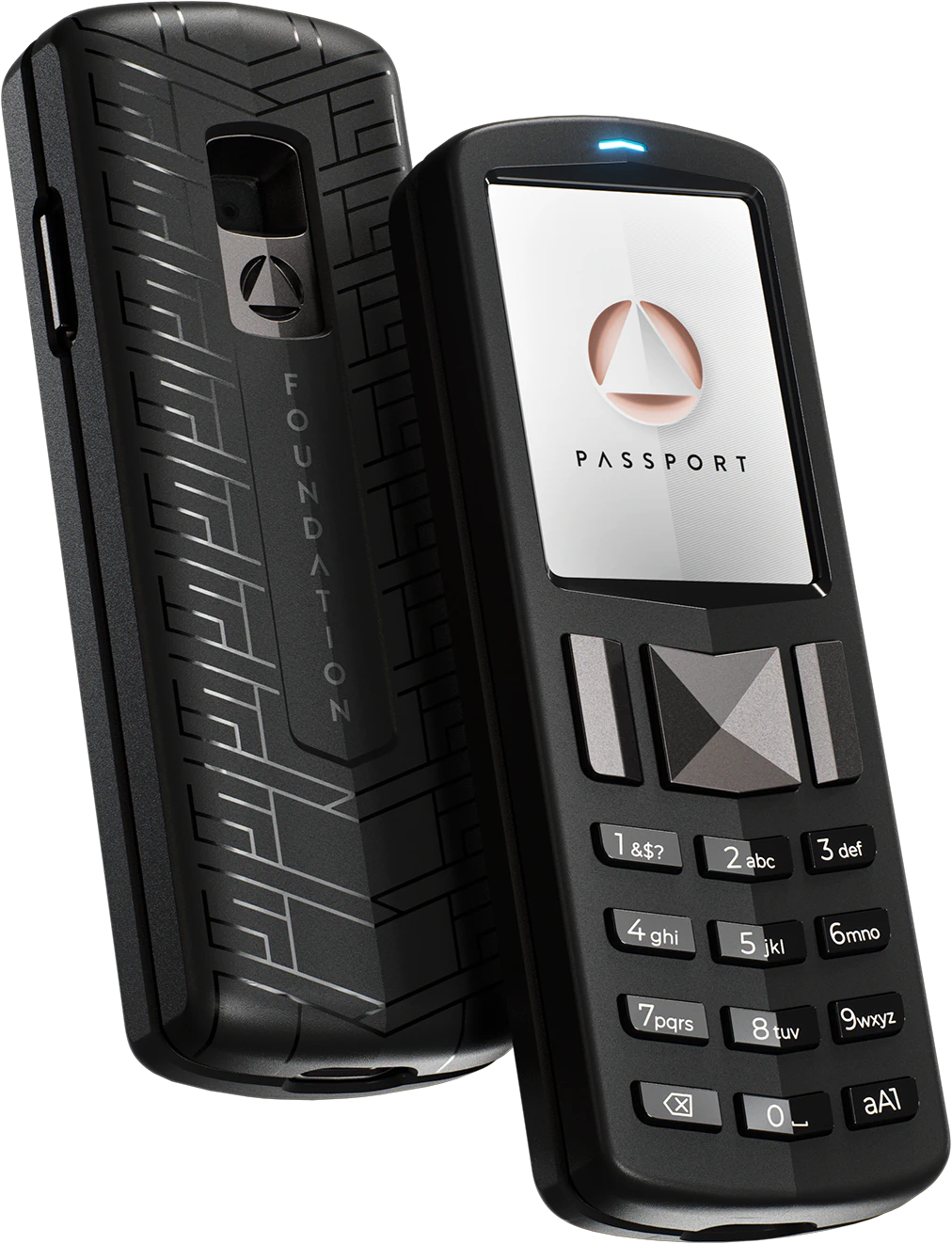
Two premium Bitcoin-only options from companies with strong reputations. Both are fully open source. Both prioritize build quality. The question is whether air-gap matters to you. The BitBox02 requires USB connection. It's compact, minimalist, and has an excellent companion app. The Passport is fully air-gapped via QR codes and MicroSD. It's larger, has premium machined aluminum construction, and works without ever touching a computer directly.
Buying Advice
Between these two, get the Passport for air-gap security. But the Jade Plus is cheaper with equally good security.
The Bottom Line
The Passport wins. Air-gapped operation is objectively more secure than USB. The Passport's build quality is excellent. The Envoy companion app has improved significantly. The BitBox02's simplicity is nice, but not at the cost of security architecture. That said, the Jade Plus at $149 offers the same air-gapped security as the Passport at $50 less.
Under the Hood: Security
Let's get into what actually matters: how these wallets protect your bitcoin.
- BitBox02 Bitcoin-Only: Secure element with open-source firmware. Swiss engineering approach.
- Foundation Passport: Open-source with secure element. Premium build quality.
Open-source on both sides. That's how it should be. Neither wallet asks you to trust a black box. The code is out there for anyone to audit.
Foundation Passport supports air-gapped operation via QR codes. Your private keys never have to touch a networked device. Every USB cable, every Bluetooth connection is an attack surface you don't need.
How They Compare
The specs that matter for Bitcoin security.
| Feature | BitBox02 Bitcoin-Only | Foundation Passport |
|---|---|---|
| Price | $150 | $199 |
| Bitcoin-Only | Yes | Yes |
| Open-Source | Yes | Yes |
| Air-Gapped | No | Yes |
| Secure Element | ATECC608A | ATECC608A |
| Connection | USB-C | QR codes (air-gapped), MicroSD |
My Take
The Passport is the premium choice and it knows it. The build quality justifies part of the $199 price tag. The open-source firmware and air-gapped capability put it in the same tier as the Jade Plus. But it's larger and heavier. If you want something that feels substantial and looks good on a desk, get the Passport. If portability matters, the Jade Plus does air-gapped better in a smaller package.
What Foundation Passport Does Better
Both are Bitcoin-only (good choice either way). Air-gapped operation for maximum security. Beautiful design and build. Fully open-source.
Best for: Users who want premium build quality, Those who value air-gapped + open-source combination, Bitcoin-only maximalists with budget for premium device, Users who prefer physical controls over touchscreens.
What Holds BitBox02 Bitcoin-Only Back
The Price Question
BitBox02 Bitcoin-Only costs less at $150, but the $49 you'd save isn't worth the trade-offs. Foundation Passport earns its price tag.
Market Context
Hardware wallets aren't going away. As more people realize exchanges aren't safe, devices like BitBox02 Bitcoin-Only and Foundation Passport become more important. The question isn't whether to self-custody. It's how.
What People Ask
Is BitBox02 Bitcoin-Only or Foundation Passport better for beginners?
Both are straightforward to set up. Foundation Passport is my overall recommendation. If you're new to hardware wallets, either one will work, but a Bitcoin-only wallet keeps things simpler.
Can I store other cryptocurrencies on these wallets?
No. Both are Bitcoin-only, which I consider a feature. Less code means fewer vulnerabilities.
Is the price difference worth it?
The winner costs more, but the security features justify it.
Can I use my existing seed phrase?
Both wallets support standard BIP39 seed phrases. You can import your existing 12 or 24-word seed phrase from any compatible wallet.
Full Reviews
Compare BitBox02 Bitcoin-Only to:
Compare Foundation Passport to:
Was this helpful?